Business systemTelecommunications
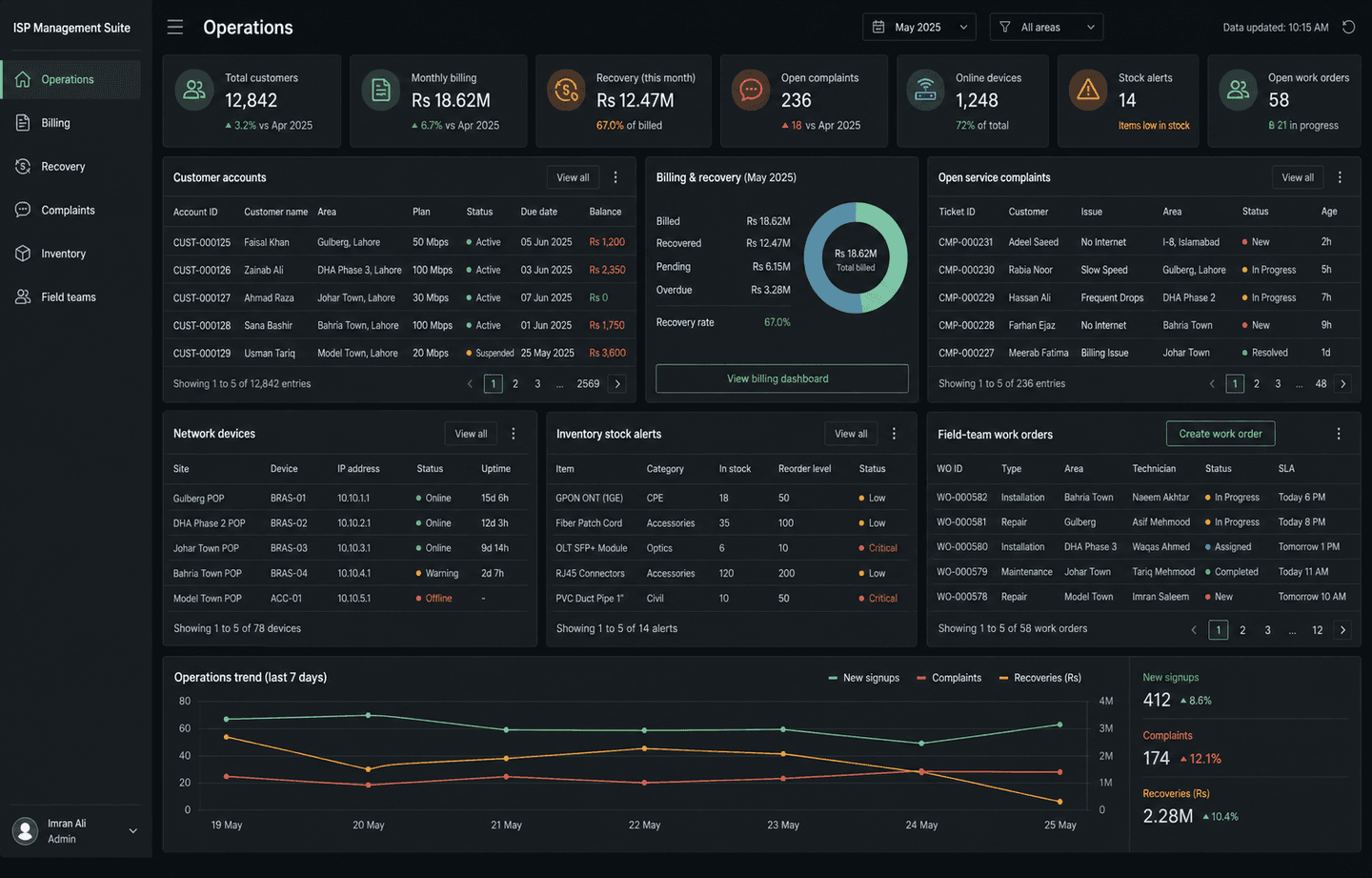
ISP Management Suite
A complete ERP running an internet provider's daily operations — billing to field teams.
Outcome
Live in production.
Business Operations Systems
Replace scattered spreadsheets, registers, and WhatsApp updates with one system for sales, inventory, billing, approvals, and management reporting. We start with the workflow costing you the most time.
01 — Business Operations Systems
Replace scattered spreadsheets, registers, and WhatsApp updates with one system for sales, inventory, billing, approvals, and management reporting.
Clear records. Fewer mistakes. Better management visibility.
Relevant delivery: an ISP management suite covering billing, complaints, inventory, and field teams.
Discuss an operations system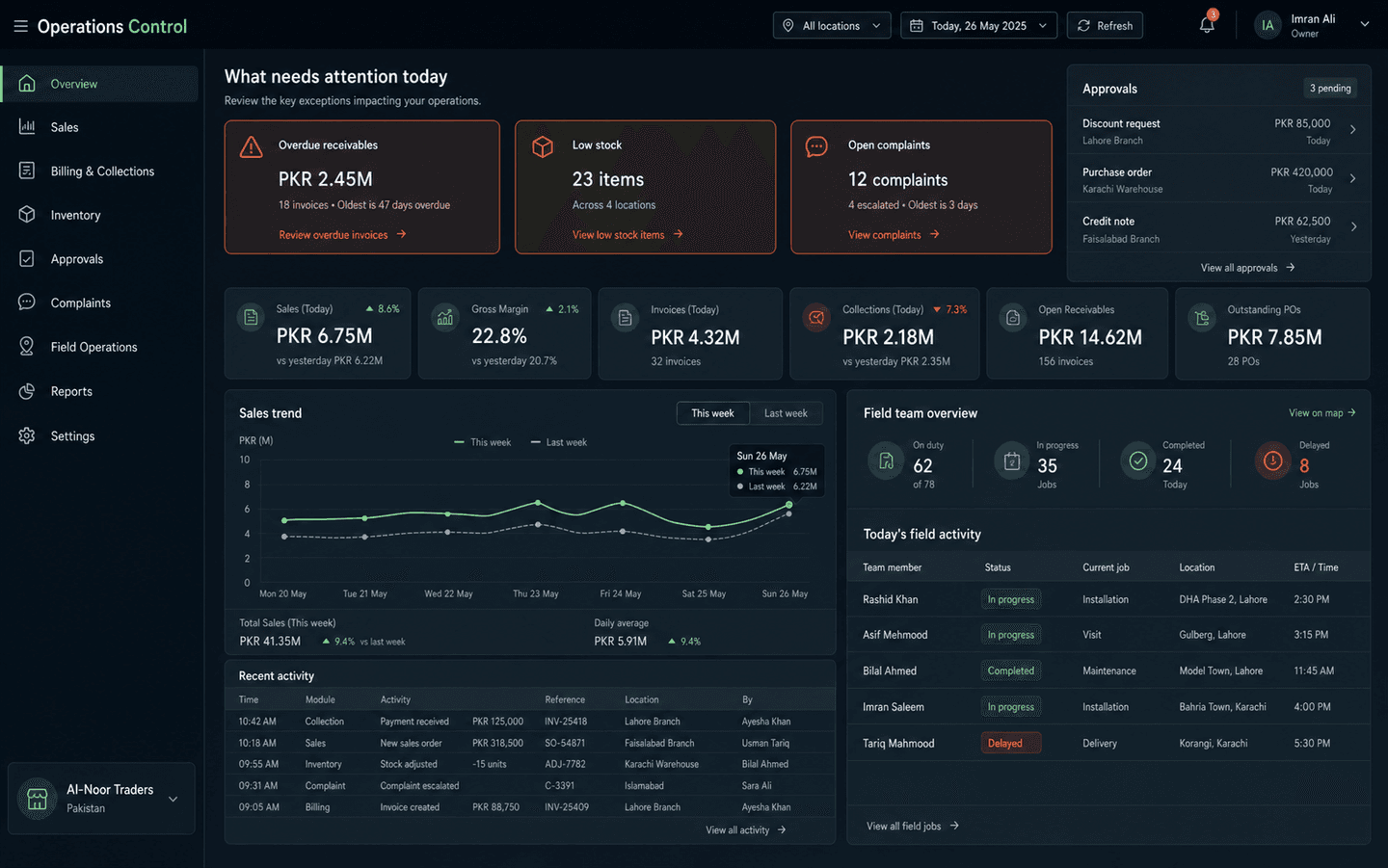
Common use cases
02 — Relevant work
Every case study shows the operational problem, the system built, and the measurable outcome.
A complete ERP running an internet provider's daily operations — billing to field teams.
Outcome
Live in production.
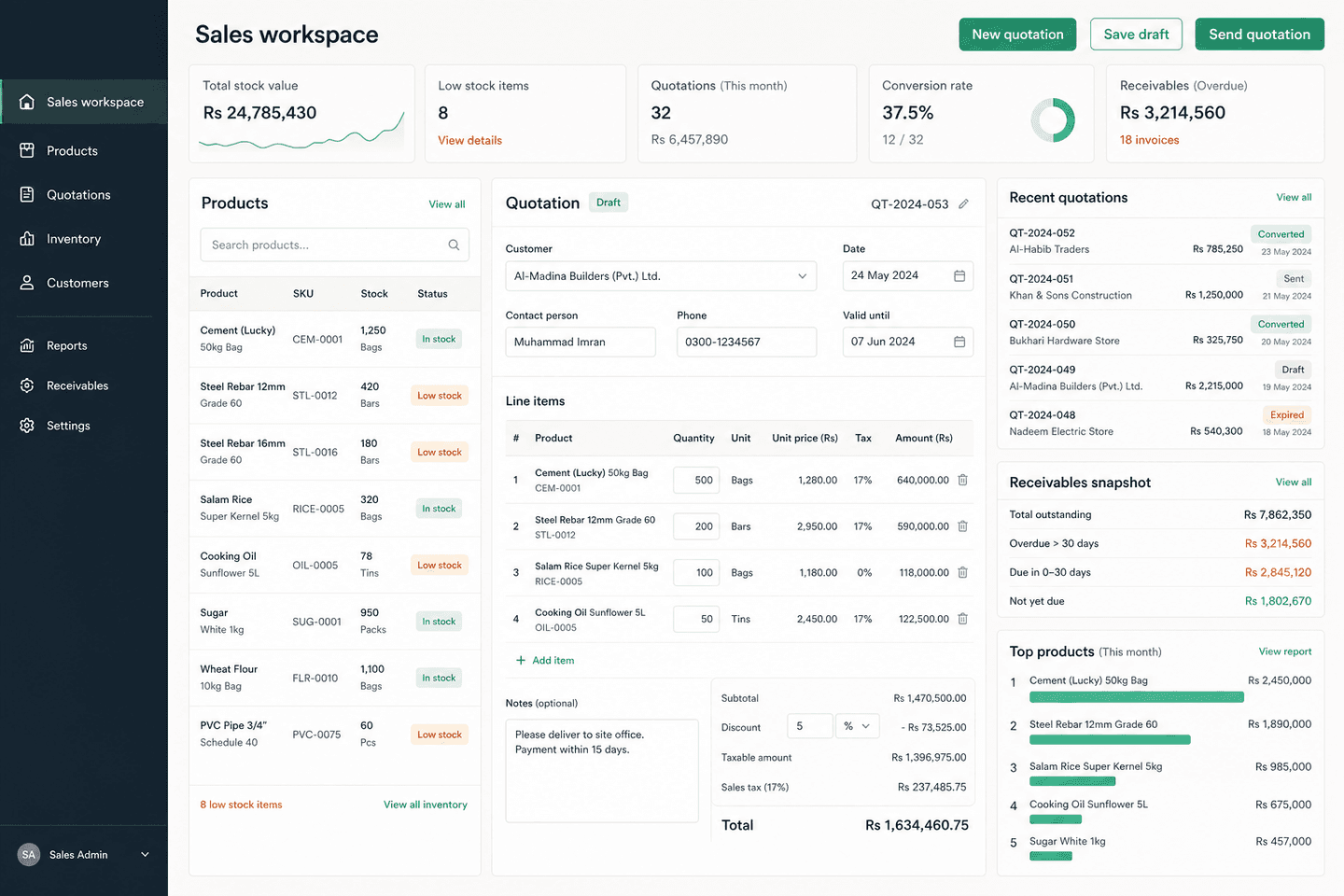
Product, quotation, and business-insight management for a trading business.
Outcome
Built and shipped.
03 — Questions
A typical build covers sales, purchasing, inventory, billing, receivables, approvals, management reporting, and role-based access. We start with the workflows causing the most friction and expand from there.
Yes — that is usually the starting point. We map your current spreadsheet workflow first, then replace only the parts that are breaking down. Existing data can be migrated.
Yes. Multi-location stock, branch visibility, and shared customer records are built in from day one — not bolted on later.
Most builds sit alongside your existing accounting system and exchange data with it. We rarely recommend replacing accounting software that already works.
04 — Before you commit
01
Source access, company data, repositories, exports, and handover terms are settled before development starts.
02
Deliverables, milestones, responsibilities, dependencies, cost, and timeline are documented before the build.
03
The people using the system get practical walkthroughs, clear roles, and support during adoption.
04
The post-launch support path is agreed before release, including fixes, monitoring, and planned improvements.
05 — Start with clarity
A sensible first engagement
Before committing to a large build, map the current process, users, data, integrations, risks, and the first release worth shipping.
Discuss a business process reviewWhat gets defined
Describe it in one WhatsApp message or voice note—in English or Urdu. We'll tell you honestly if software can fix it.
No technical brief needed. Start with the business problem.
