01
Ownership agreed in writing
Source access, company data, repositories, exports, and handover terms are settled before development starts.
Show us the delay, reporting problem, or manual process. We will recommend the right system and a sensible first release.
01 — Business Operations Systems
Replace scattered spreadsheets, registers, and WhatsApp updates with one system for sales, inventory, billing, approvals, and management reporting.
Clear records. Fewer mistakes. Better management visibility.
Relevant delivery: an ISP management suite covering billing, complaints, inventory, and field teams.
Discuss an operations system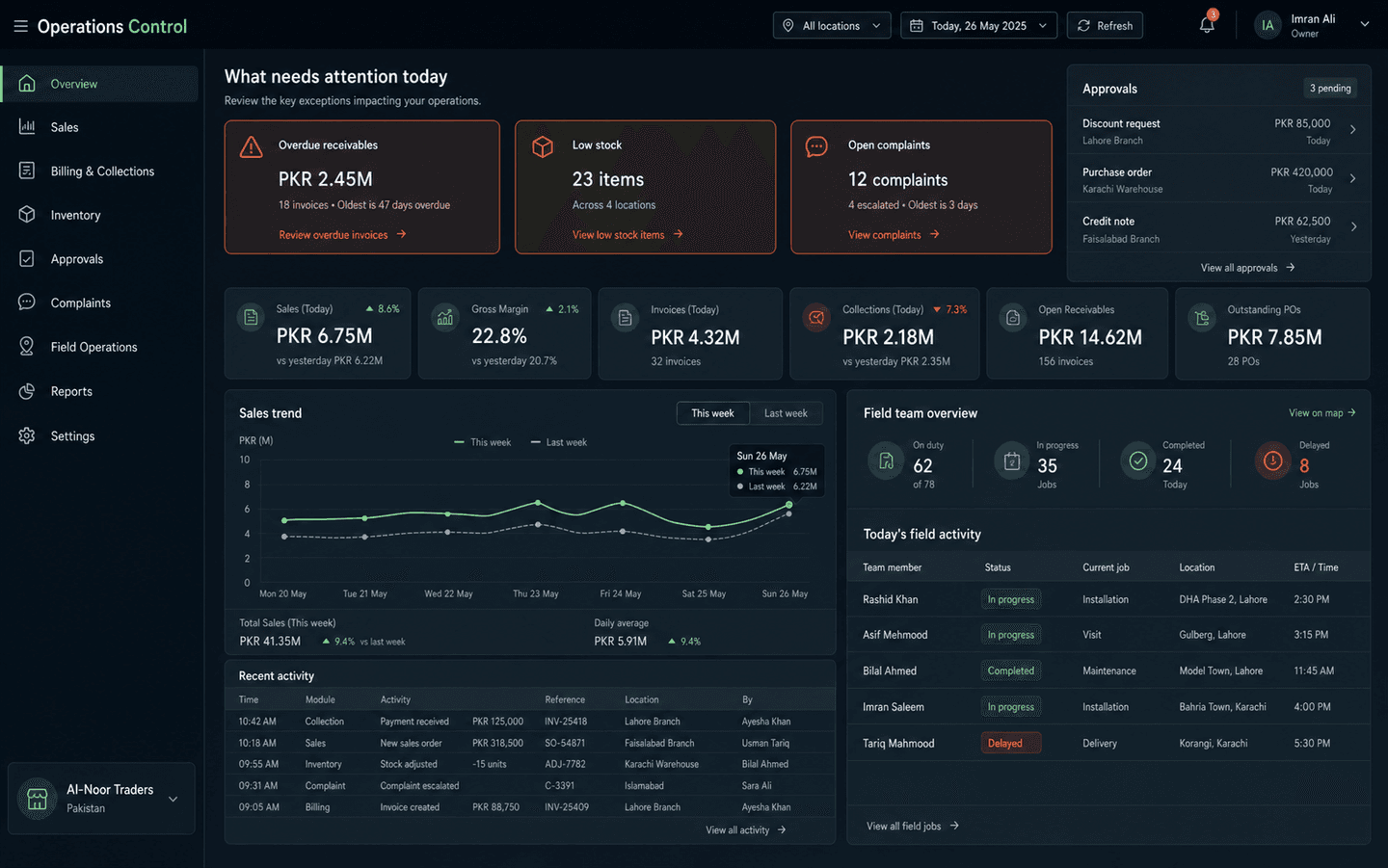
Common use cases
02 — Workflow & Reporting Automation
We connect your forms, spreadsheets, sales channels, and payment tools so data updates, reports, and follow-ups happen on schedule.
Less copy-paste. Faster reporting. Nothing forgotten.
Relevant delivery: production pipelines connecting Shopify, Google Ads, Meta Ads, Salesforce, and Stripe.
Show us a repetitive process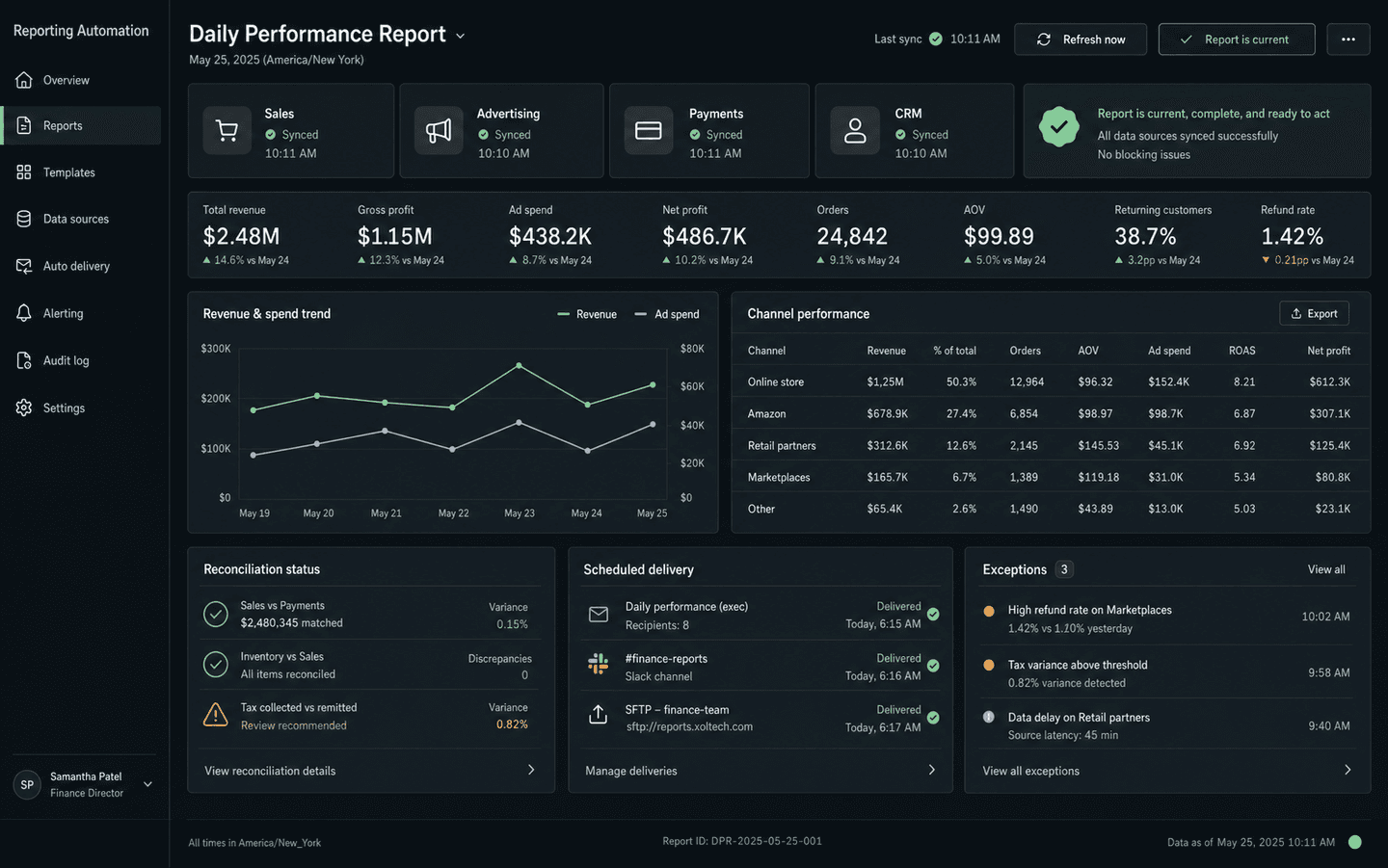
Common use cases
03 — Document & Customer AI
Use AI for a defined job: reviewing documents, finding exceptions, answering repeat questions, or organizing complaints and applications.
Faster review. Consistent answers. Human approval where it matters.
Relevant delivery: FinAudit AI, reducing manual document-review time by approximately 60%.
Discuss a practical AI use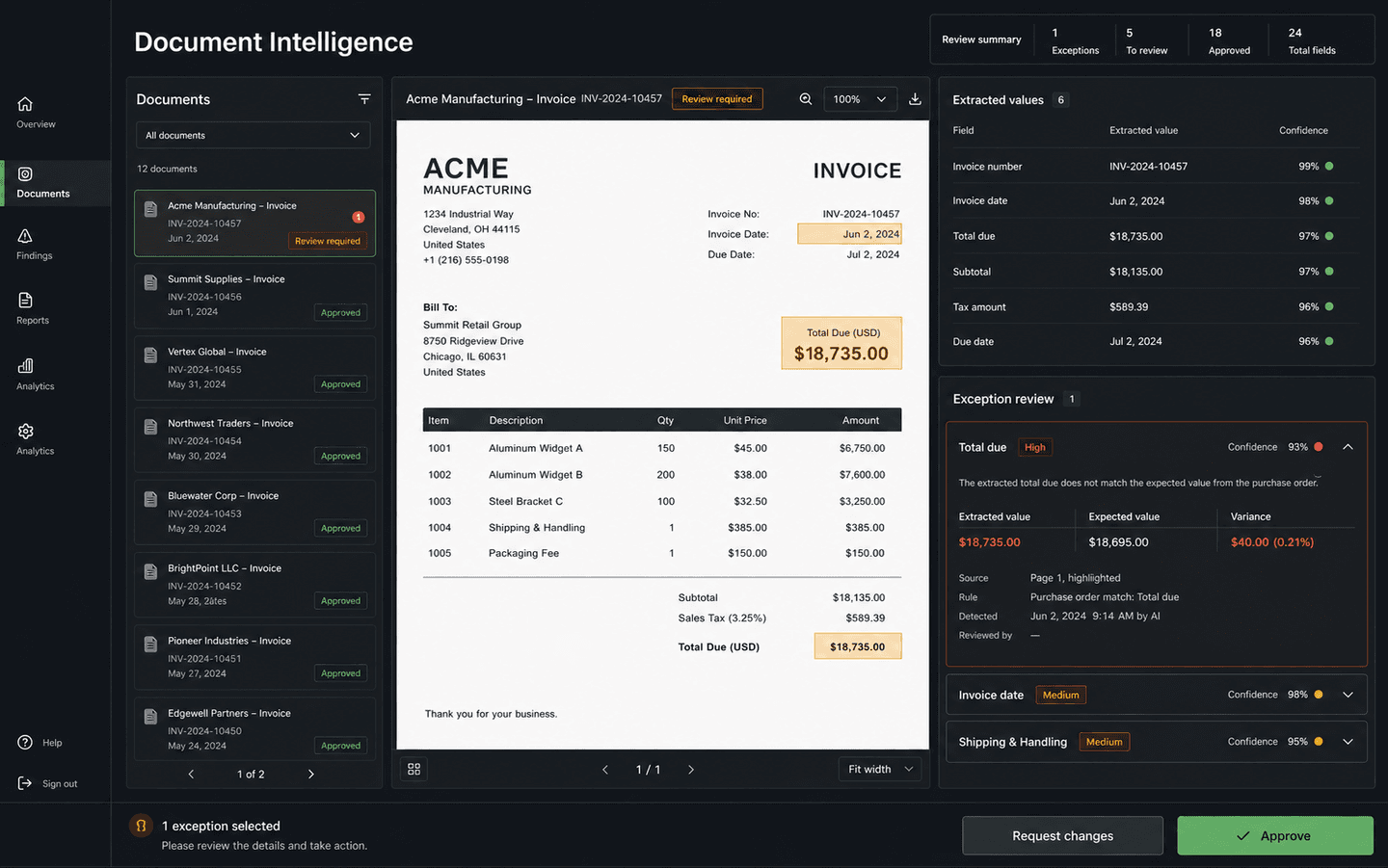
Common use cases
04 — Integration & modernization
A useful improvement does not always require a complete rebuild. We can connect existing tools or replace one weak module at a time.
05 — Before you commit
01
Source access, company data, repositories, exports, and handover terms are settled before development starts.
02
Deliverables, milestones, responsibilities, dependencies, cost, and timeline are documented before the build.
03
The people using the system get practical walkthroughs, clear roles, and support during adoption.
04
The post-launch support path is agreed before release, including fixes, monitoring, and planned improvements.
06 — Start with clarity
A sensible first engagement
Before committing to a large build, map the current process, users, data, integrations, risks, and the first release worth shipping.
Discuss a business process reviewWhat gets defined
07 — How we work
Message us on WhatsApp. Tell us the problem in your own words — no technical language needed.
We map the users, existing tools, data, integrations, and first valuable release.
Scope, milestones, cost, and responsibilities are written down. Progress is shown in working demos.
Your team learns the system before rollout, with an agreed support path after launch.
Describe it in one WhatsApp message or voice note—in English or Urdu. We'll tell you honestly if software can fix it.
No technical brief needed. Start with the business problem.
